Eine Anfrage. Ein sauberes Dokument.
Senden Sie ein JPEG oder PNG an ScanKit und erhalten Sie einen perspektivisch entzerrten Scan für den nächsten Schritt in Ihrem Produkt. Entdecken Sie Anfrage, Antwort und Code unten.
Kostenlos testen: 50 Credits bei der Anmeldung, ohne Karte. Credit-Pakete ab 19 € für 1.000 Scans, einmalig und ohne Ablaufdatum. Preise ansehen
POST /scan/cropTesten Sie ScanKit mit Ihrem Dokument.
Laden Sie ein JPEG oder PNG hoch, wählen Sie die gewünschte Ausgabe und sehen Sie direkt, welchen sauberen Scan ScanKit zurückgibt.
Eingabebild

Foto eines Dokuments auswählen oder aufnehmen
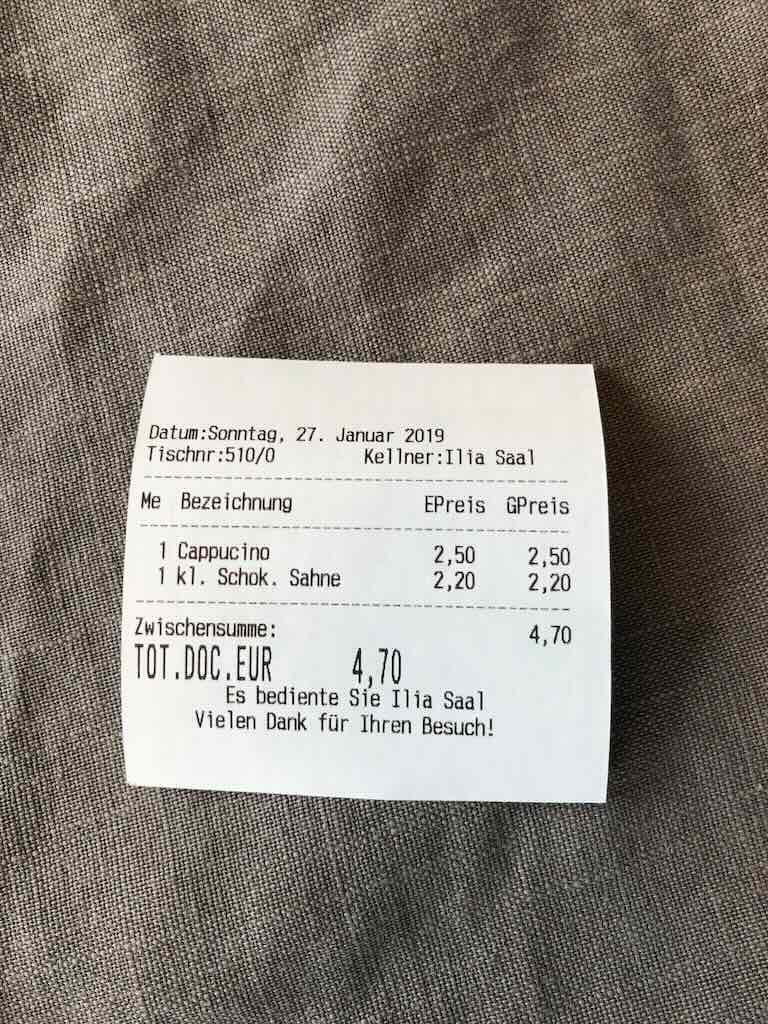
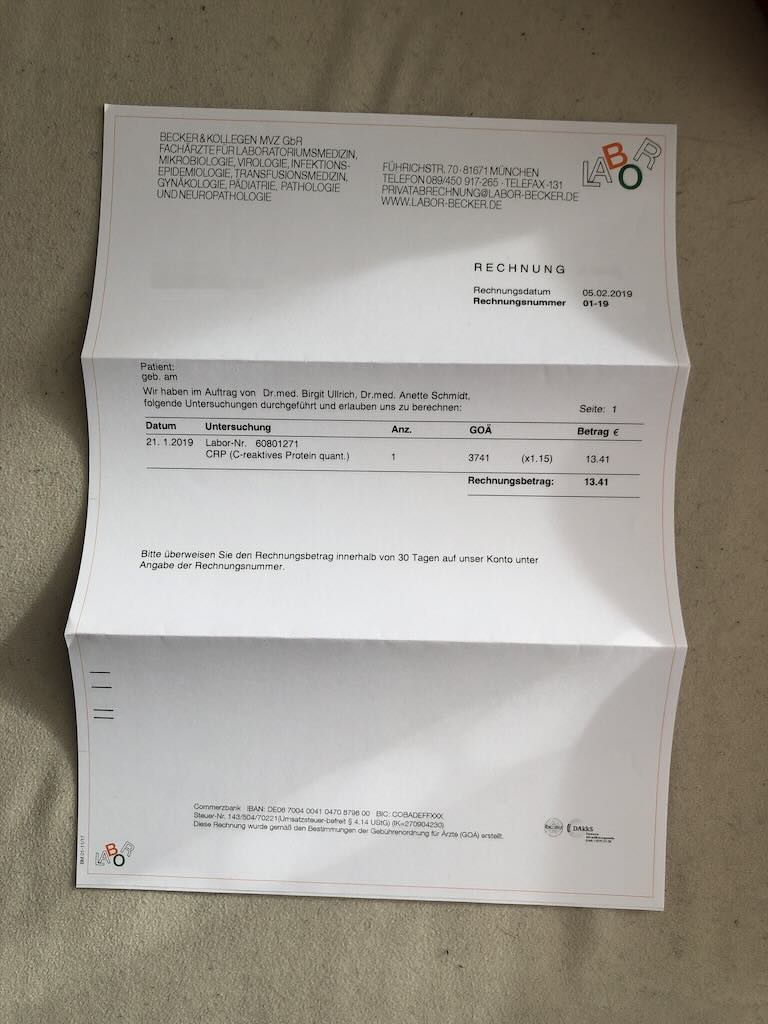
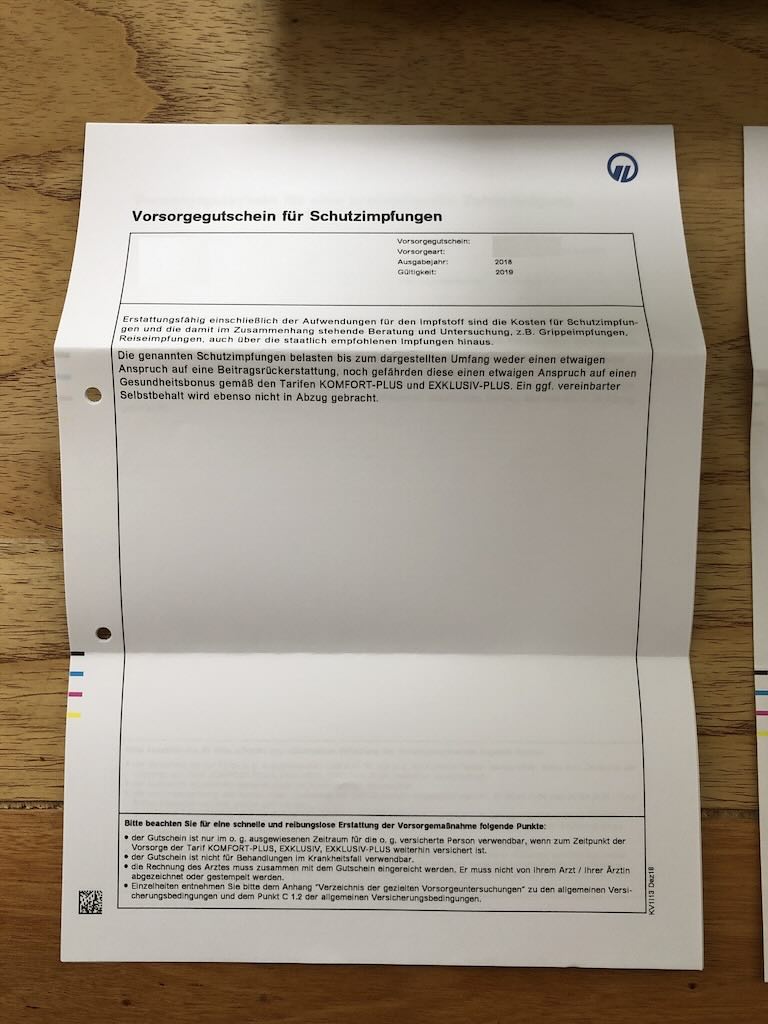
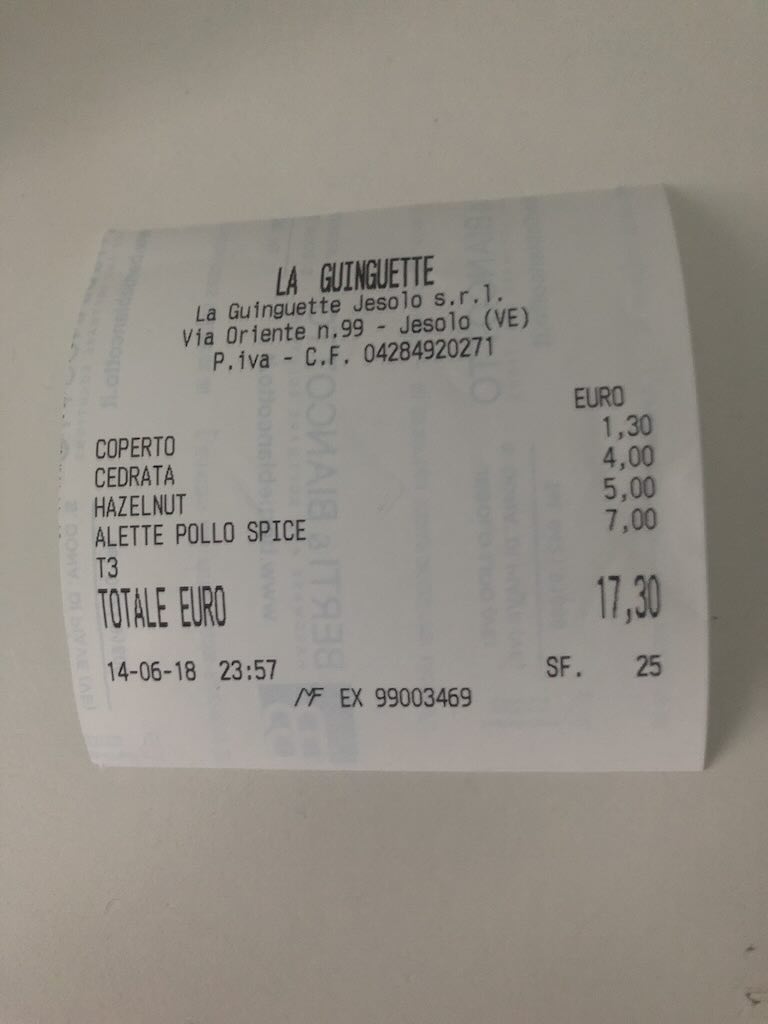
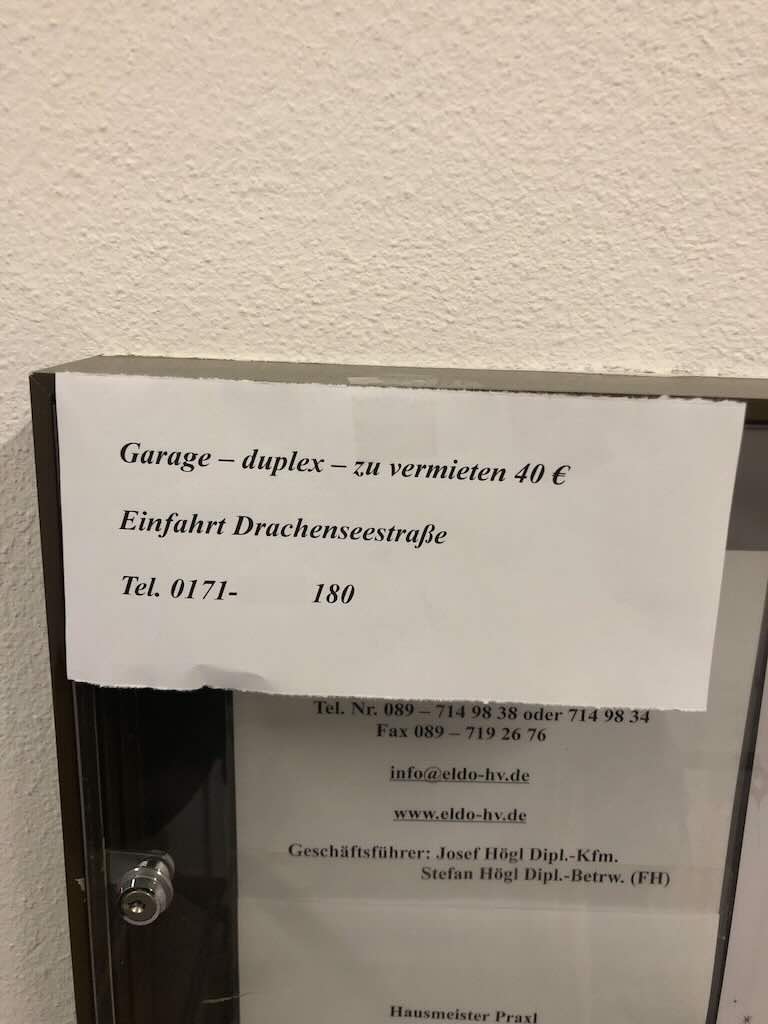
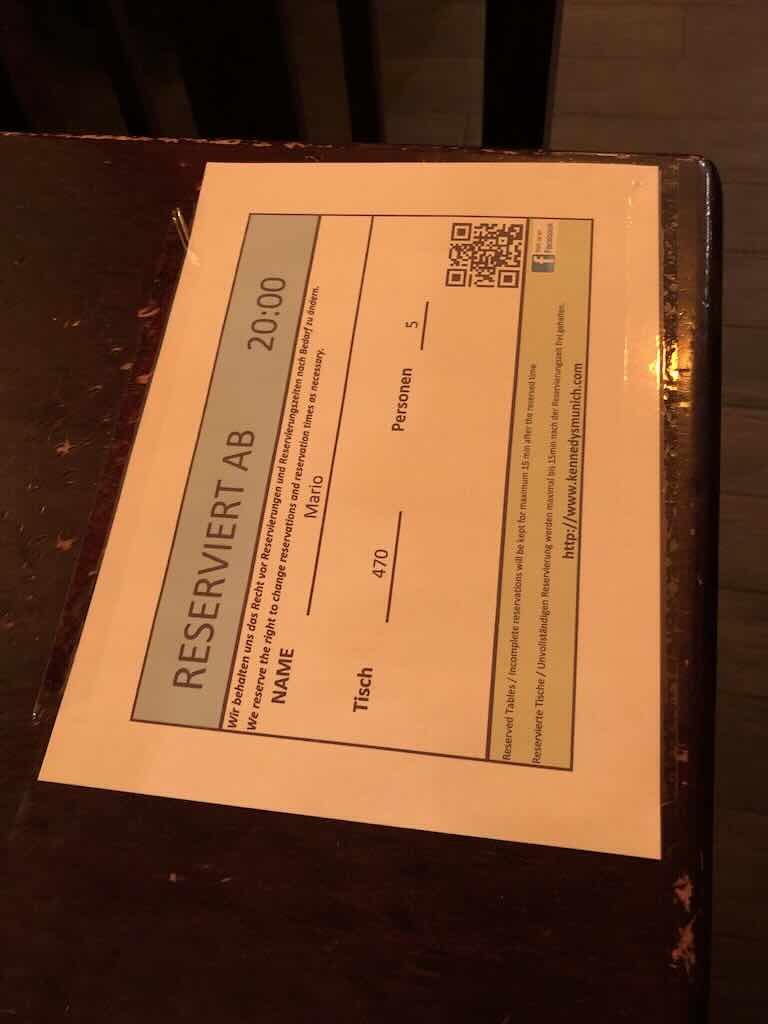
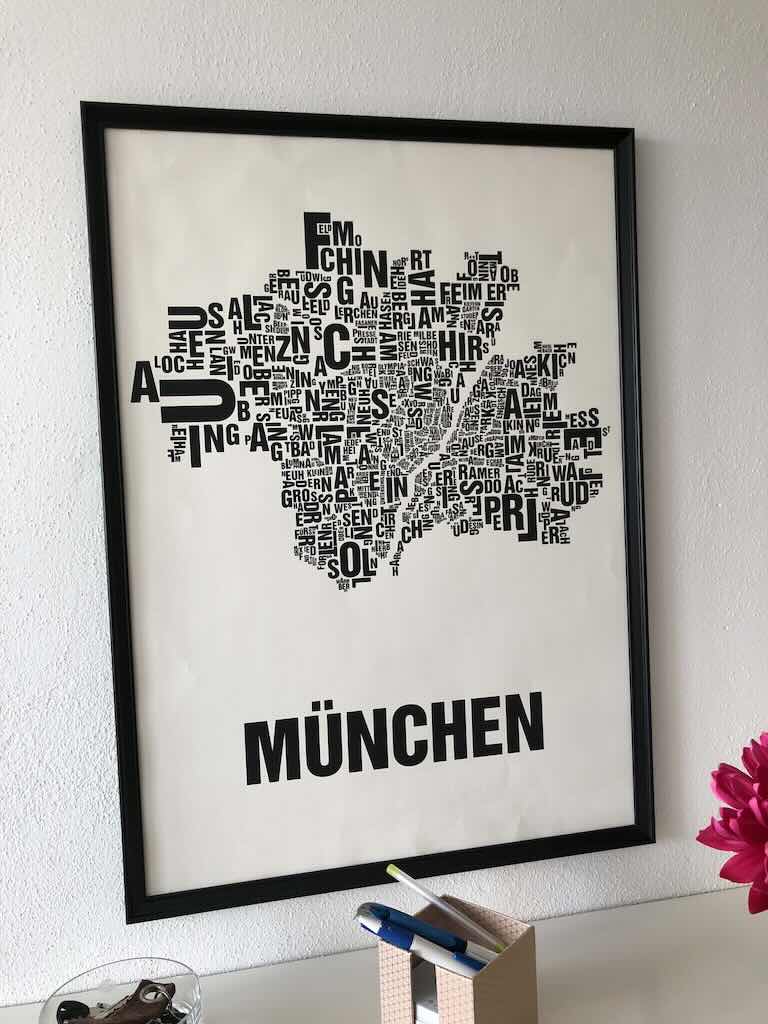
Ergebnis
Fertige Code-Snippets
Integrieren Sie Scan-Funktionen mit einem einfachen API-Aufruf in Ihre Anwendung. Die ScanKit-API unterstützt verschiedene Parameter für präzise Kontrolle über das Ergebnis.
curl -X POST https://api.scankit.io/scan/crop \
 -H "Authorization: Bearer YOUR_API_KEY" \
 -H "Content-Type: multipart/form-data" \
 -F "file=@/path/to/your/image.jpg" \
 -F "output_width=1536" \
 -F "filter=white" \
--output result.jpgcurl -X POST https://api.scankit.io/scan/crop \
-H "Authorization: Bearer YOUR_API_KEY" \
-H "Content-Type: multipart/form-data" \
-F "file=@/path/to/your/image.jpg" \
-F "output_width=1536" \
-F "return_pdf=true" \
-F "ocr_lang=eng" \
--output result.pdfcurl -X POST https://api.scankit.io/scan/crop \
-H "Authorization: Bearer YOUR_API_KEY" \
-H "Content-Type: multipart/form-data" \
-F "files=@/path/to/page1.jpg" \
-F "files=@/path/to/page2.jpg" \
-F "output_width=1536" \
-F "filter=white" \
-F "return_pdf=true" \
-F "ocr_lang=fra" \
--output result.pdfAPI-Referenz
Dokumentenscan
Laden Sie ein Bild hoch, das zugeschnitten und optional gefiltert wird. Das Ergebnis wird als binäre JPEG-Datei zurückgegeben.
Parameters
No parameters
Request body
file * string($binary) | Die zu verarbeitende Bilddatei. |
output_width integer($int32) | Legt die gewünschte Breite (in Pixeln) des Ausgabebilds nach dem Zuschnitt fest.
|
filter string | Legt den Filter fest, der nach dem Zuschnitt auf das Bild angewendet wird:
|
segment_count integer($int32) | Legt die Anzahl der Segmente fest, mit denen gekrümmte oder gefaltete Bilder verarbeitet werden.
|
return_pdf boolean | Bestimmt das Ausgabeformat des verarbeiteten Dokuments:
|
ocr_lang string | Sprache der OCR-Texterkennung, wenn return_pdf true ist:
|
return_meta boolean | Optionaler Metadaten-Modus (v2-Pipeline). Bei true ist die Antwort JSON statt eines rohen JPEGs und enthält das Feld document_detected:
|
Responses
| Code | Description | Links | ||||||
| 200 | Erfolgreich verarbeitetes und zugeschnittenes Bild, zurückgegeben als Binärdatei. Media typeControls Accept header.Headers:
| No links | ||||||
| 400 | Ungültige Parameter oder nicht verarbeitbare Eingabedatei (es werden keine Credits berechnet) Media type Examples | No links | ||||||
| 401 | Fehler: Authentifizierung fehlgeschlagen (es werden keine Credits berechnet). "Missing API Key", wenn gar kein Key gesendet wurde, "Invalid API Key", wenn der gesendete Key unbekannt oder inaktiv ist. Media type Examples | No links | ||||||
| 402 | Fehler: Nicht genügend Credits (es werden keine Credits berechnet) Media type | No links | ||||||
| 429 | Ratenlimit überschritten: mehr als 1000 Anfragen in einer gleitenden Stunde für diesen API-Key (es werden keine Credits berechnet). Warten Sie die im Retry-After-Header angegebene Anzahl Sekunden ab, bevor Sie es erneut versuchen. Media type Headers:
| No links | ||||||
| 500 | Interner Serverfehler. Kontaktieren Sie den Support, falls das Problem weiterhin besteht. | No links |
Fragen vor der Integration? Schreiben Sie uns