Bring Next-Level Document Scanning to Your Client Onboarding
Embed app-free, powerful scanning into your workflow. Fully branded, seamless to integrate, and ready to impress.
Common Obstacles in Client Onboarding
Switching between tools and apps disrupts the onboarding process and frustrates users.
Complex processes and clunky tools cause client drop-offs, leading to incomplete submissions.
Generic tools fail to showcase your brand, reducing trust and creating a disconnected experience.
Onboarding with ScanKit in 3 Simple Steps
Add ScanKit to your workflow with full branding in just a few steps.
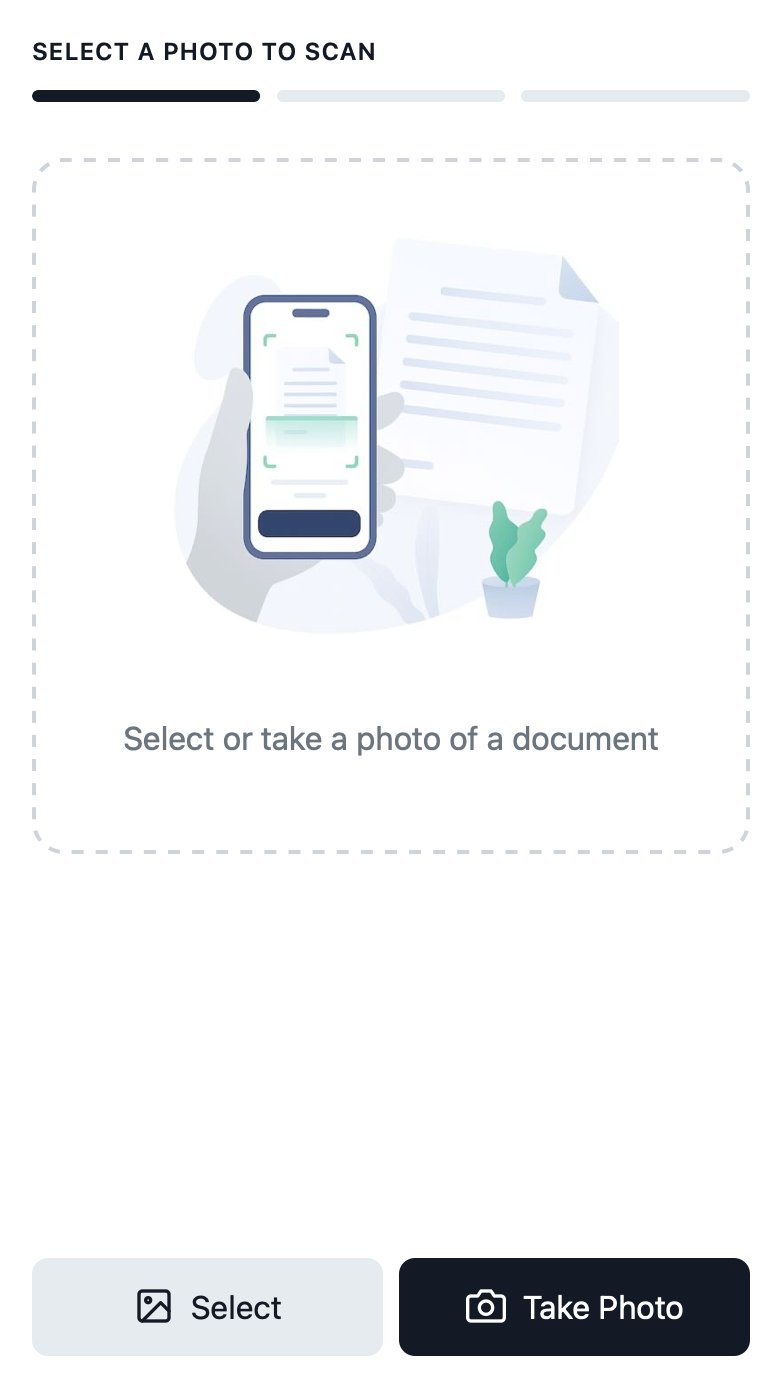
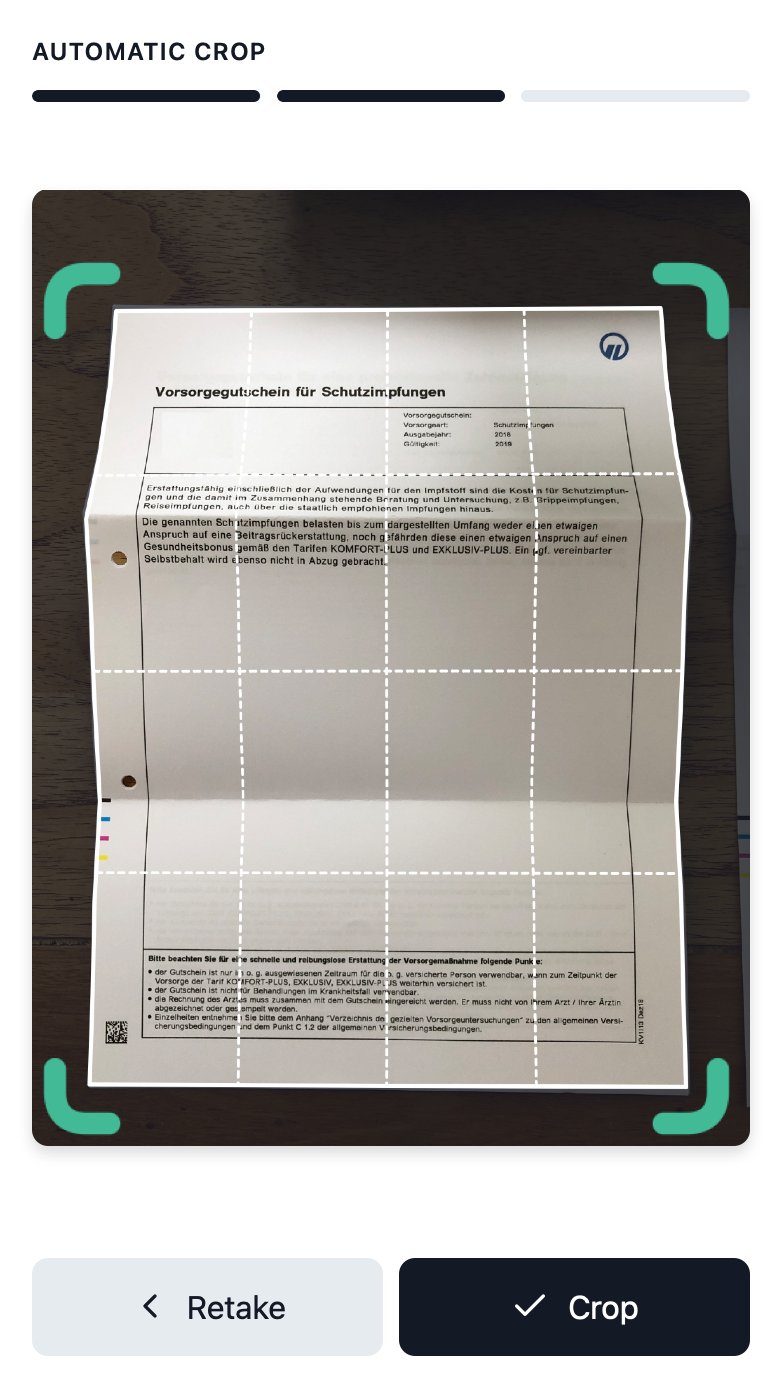
Clients scan and upload documents directly. No separate apps needed.
Streamline document management and focus on growing your business.
Streamline Document Collection for Onboarding
Ensure you receive complete, high-quality documents with ScanKit, designed to simplify your client onboarding process.
Send your clients a secure, fully-branded link to upload their documents directly.
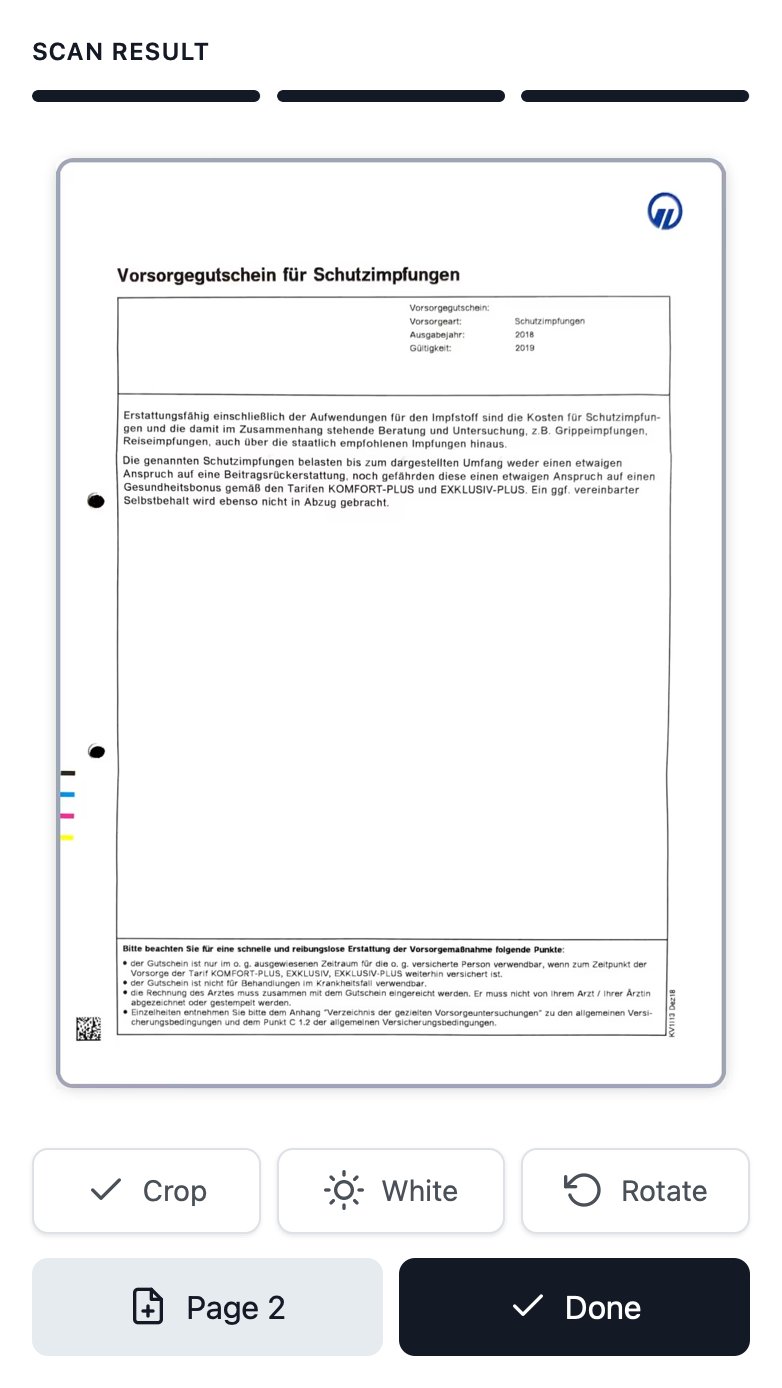
Clients scan, crop, and adjust documents directly in their browser. No extra apps required.
Receive enhanced, high-resolution documents instantly, ready for review or processing.
Streamline Onboarding Today
See how ScanKit makes onboarding faster, easier, and more professional.
Integrate ScanKit in Minutes
Adding ScanKit to your website or app is as simple as copy, paste, and deploy. Our lightweight SDK gets you started instantly.
Works with any modern JavaScript framework.
Only a few lines of code to set up.
Integration takes less than 5 minutes.
<link rel="stylesheet" href="https://www.scankit.io/sdk/scankit-sdk.css">
<script src="https://www.scankit.io/sdk/scankit-sdk.min.js"></script>

<div id="scan-area"></div>

<script>
// Initialize the scanner
const scanner= new ScanKit({
  target: '#scan-area',
  onScanComplete: r => console.log(r)
});
scanner.init();
// scanner.show(); // Show the scanner programmatically
</script>