Deskew and perspective correction: what a scan step removes, and what it cannot

- The failure is geometric, not photographic: The lens did its job, but a camera records a projection of a surface while the OCR engine expects a page.
- Four corners are three lines of algebra: Once the four page corners are known in the photo and where they belong in the output, a homography maps one plane onto the other exactly.
- The correction spends resolution unevenly: Measured on the 24 degree yaw photo, sampling density runs from 8.46 pixels per millimetre at the far edge to 11.54 at the near edge.
- Curvature is what four points cannot fix: A bowed sheet is not a plane, so the homography that fits its corners cannot also fit its middle.
- Judge the photo before blaming the OCR: Six questions separate a capture that can be repaired from one that cannot.
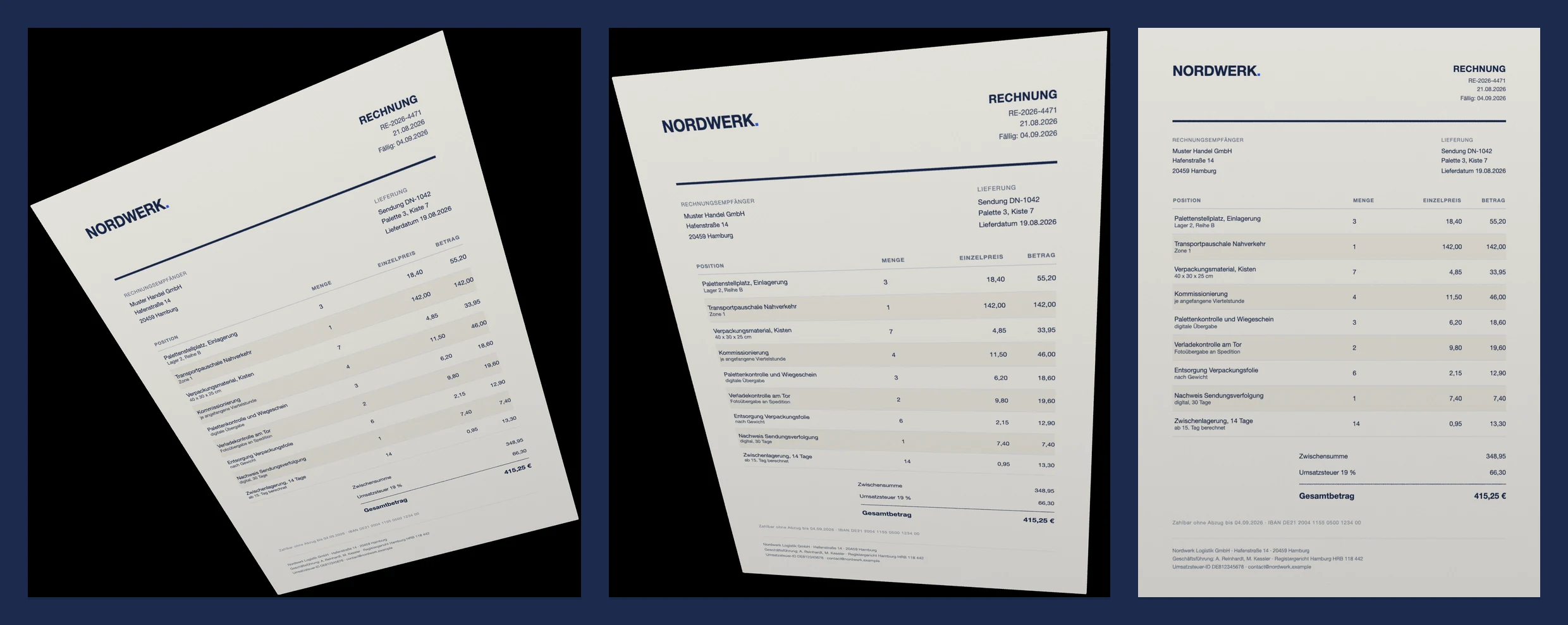
A phone photo of a document fails for a geometric reason, not a photographic one. The lens did its job. What arrives at the OCR engine is a projection of a plane, and the engine expects a page.
This article works through one page in three states, measures what each state costs, and names the terms an operator uses for the distortions, so you can tell a fixable photo from an unfixable one.
A camera records a projection, not a page
Put a sheet of A4 on a desk and photograph it from standing height. Three things happen at once and they are independent:
- Roll. The camera is not perfectly level, so the page sits rotated in the frame.
- Yaw and pitch. The camera is not perpendicular to the page, so the rectangle becomes a trapezoid. Operators call that keystone.
- Light. A window, a lamp or the phone's own shadow changes brightness across the sheet.
A fourth distortion, curvature, comes from the paper itself: a folded form, a bound book, a curled corner. It is not a camera error and it is worth separating, because no four point transform removes it.
One page, three states
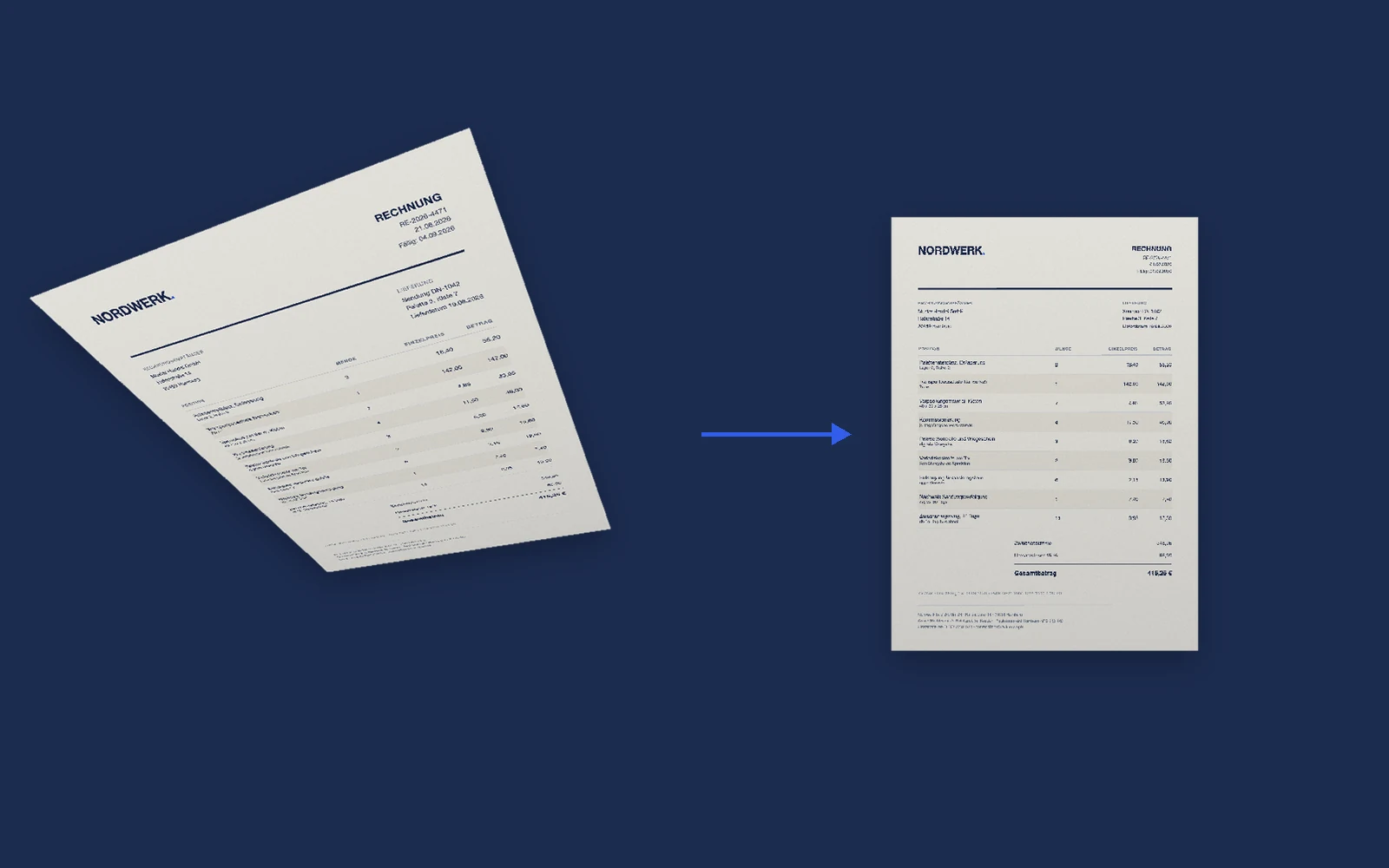
The figures below are one page rendered through a pinhole camera: 24 degrees of yaw, 58 degrees of elevation, 3 degrees of roll, 380 mm away, in a 3000 pixel frame. That is a comfortable, well lit handheld photo, not a worst case. Panel one is the photo, panel two is what a rotation only deskew tool returns, panel three is the four point correction.
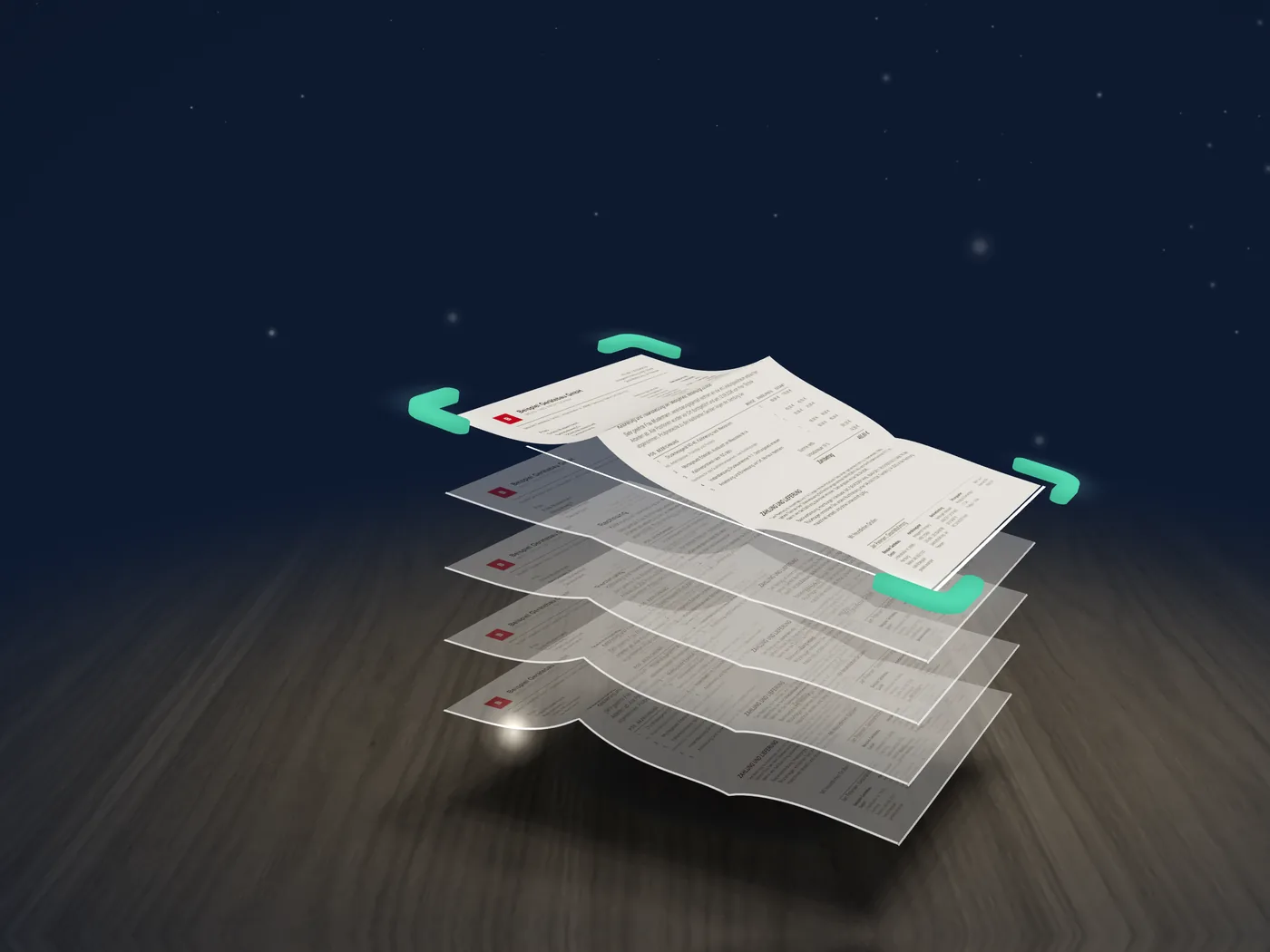
Measured on that photo, from the geometry rather than by eye:
measurement                        photo      deskew only   four point
median angle of the table rules  -17.69 deg     0.00 deg     0.00 deg
spread between the rules           7.97 deg     7.97 deg     0.00 deg
row height, tallest to shortest       1.88x        1.88x        1.00x
keystone, long edge to short edge     1.36x        1.36x         none
Read the second column twice. A deskew tool makes the type look level, and the table rules still fan out by eight degrees, and the rows near the camera are still almost twice as tall as the rows far away. That is the quiet failure mode: the page looks straight in a viewer, and the OCR is still reading geometry that no longer matches its expectations.
The four point transform is three lines of algebra
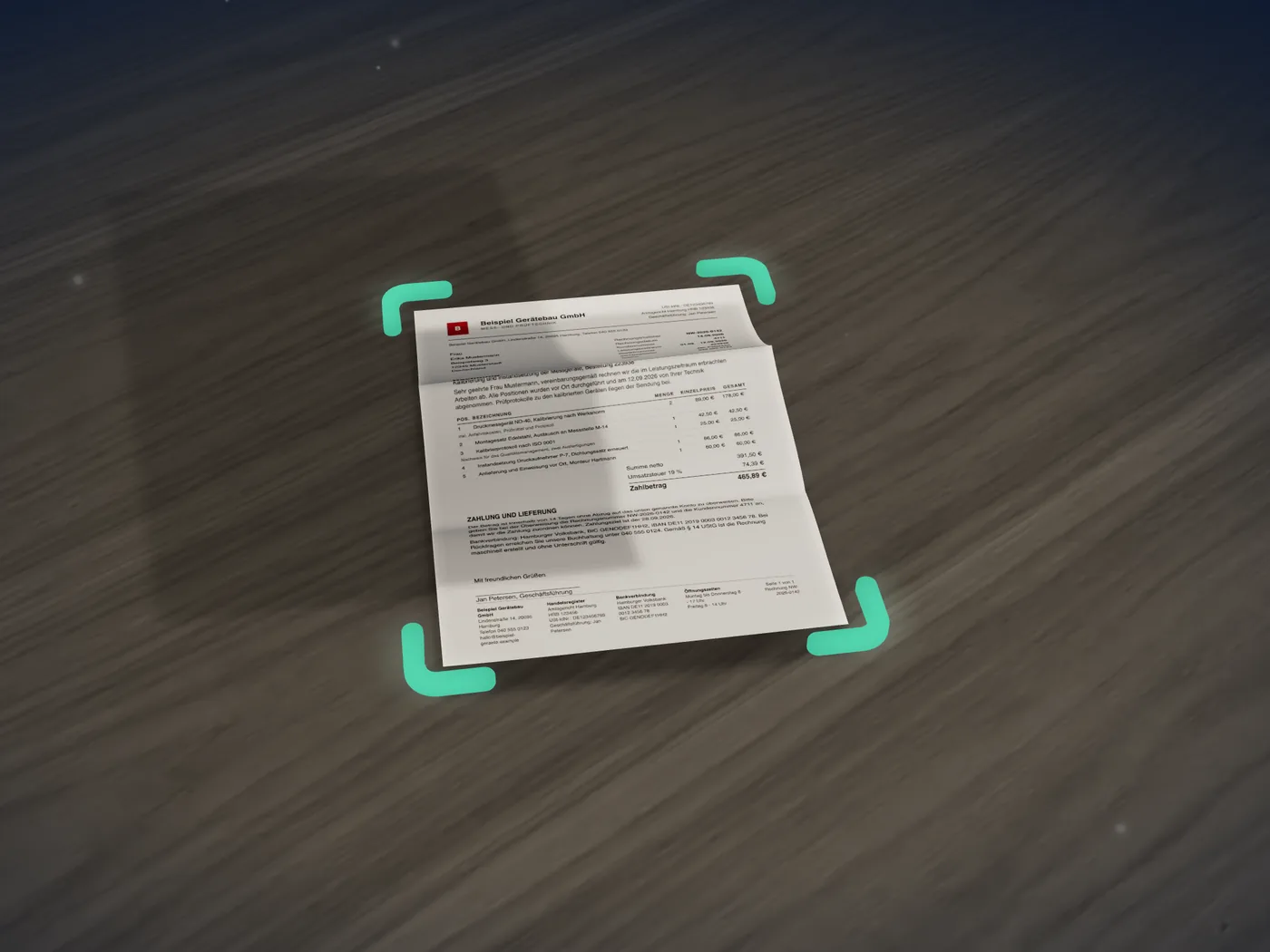
The correction itself is not the hard part. If you know the four corners of the page in the photo and where they should land in the output, a homography maps one to the other exactly, because both are planes. Three lines of linear algebra solve it, and the same transform undoes yaw, pitch and roll in one step.
The hard part is the four points.
A detector has to find the page between a desk, a hand, a shadow and a second sheet underneath. When it is unsure it does not fail loudly, it falls back on a slightly wrong corner, and the error is invisible in the preview. Measured on the same 3000 pixel photo, an error at a corner costs this much at the centre of the page:
corner error   shift at the centre   at the far corner
       1 px               0.10 mm             0.06 mm
       4 px               0.39 mm             0.25 mm
      10 px               0.98 mm             0.63 mm
      25 px               2.43 mm             1.55 mm
      50 px               4.79 mm             3.02 mm
For scale, a line of 10 point type is about 3.5 mm tall. Sub-pixel noise is irrelevant. A corner that is wrong by 50 pixels is a corner on the wrong object, and that is the failure you actually see in support tickets: a slice of the desk in the output, or a page cut off along one edge.
What the warp costs in resolution
A four point correction resamples, so pixels are spent unevenly. On that same photo the sampling density ranges from 8.46 pixels per millimetre at the far edge to 11.54 at the near edge, because the far part of the page occupies fewer pixels to begin with.
300 dpi is 11.81 pixels per millimetre. So a full page in a 3000 pixel wide photo is already slightly below print resolution at the near edge and about 28 percent below it at the far edge. That is not a reason to demand a 48 megapixel camera. It is a reason not to screenshot a photo, and not to resave the same JPEG three times: every generation resamples again and the numbers above get worse.
Curvature: what four points cannot fix
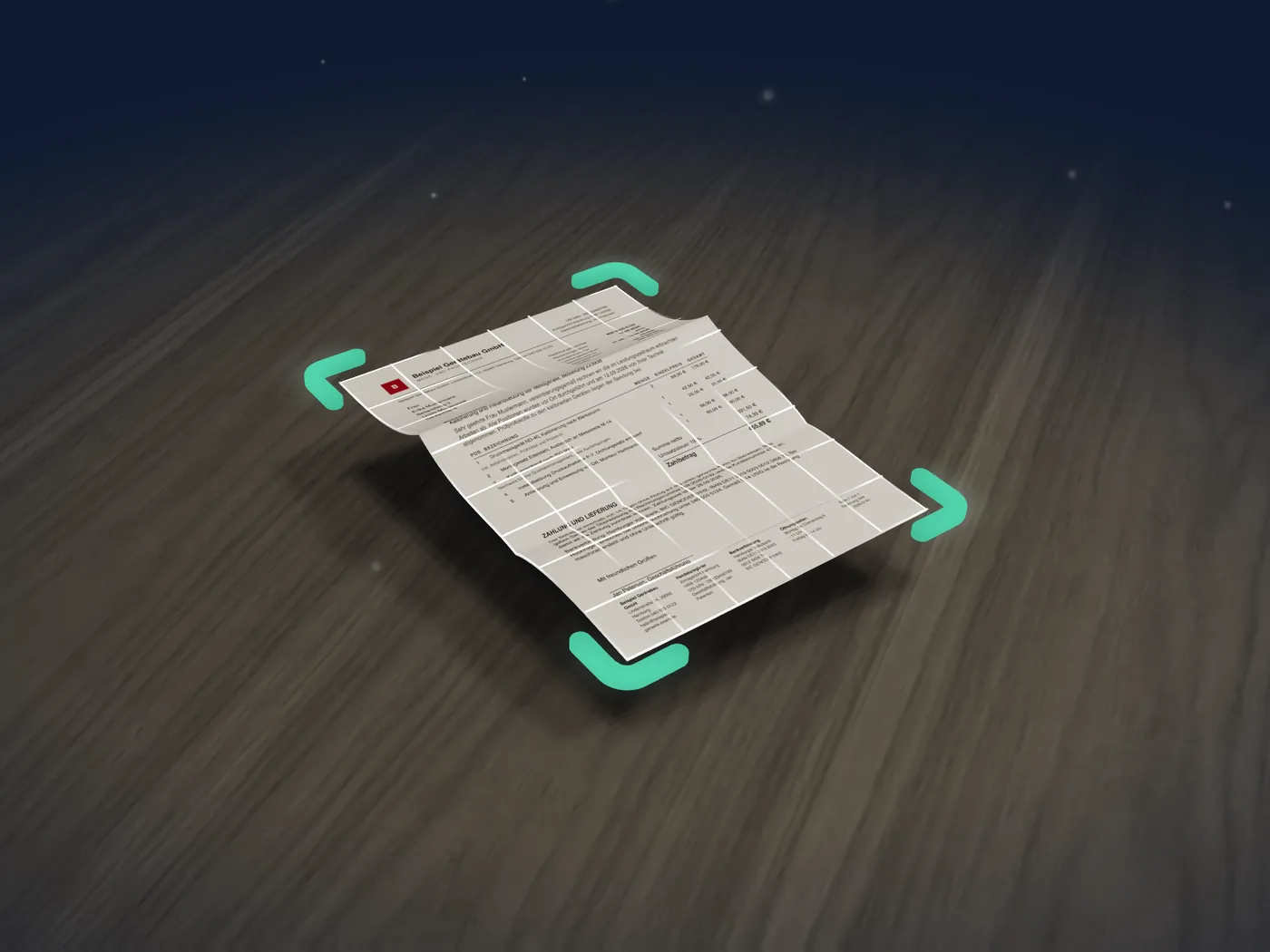
A bowed sheet is not a plane, so the homography that fits its four corners cannot also fit its middle. Measured on the same camera, with the page bowed by a realistic amount:
bow across the page   median residual   95th percentile   maximum
              6 mm            2.84 mm           6.03 mm   6.40 mm
             12 mm            5.74 mm          12.10 mm  12.87 mm
             24 mm           11.74 mm          24.33 mm  25.98 mm
A 12 mm bow leaves a residual of up to 12.87 mm at the worst point, which is between three and four line heights of 10 point type. Text that far out of place is where OCR starts merging columns and dropping characters.
The honest summary: a strongly bent page keeps a residual curve. Four point correction straightens the projection, not the paper. Real pipelines narrow the gap by splitting the page into horizontal strips and fitting each strip separately, which approximates a bend instead of ignoring it, and that is why the residual shrinks without ever reaching zero.
Client or server
Both work. What breaks pipelines is mixing them: the browser corrects one photo, the server corrects the next, and two documents that left the same phone end up with different geometry before OCR. Whichever side runs the correction, run it in one place for the whole corpus, and keep the four corner detection on that side too.
Server side has one practical advantage: the same request that corrects the page can also return the searchable PDF, so the OCR input and the archived document are the same bytes.
Six questions before you blame the OCR
- Is the page in the photo a plane? A bow, a fold or a spine says the residual in the table above applies to you.
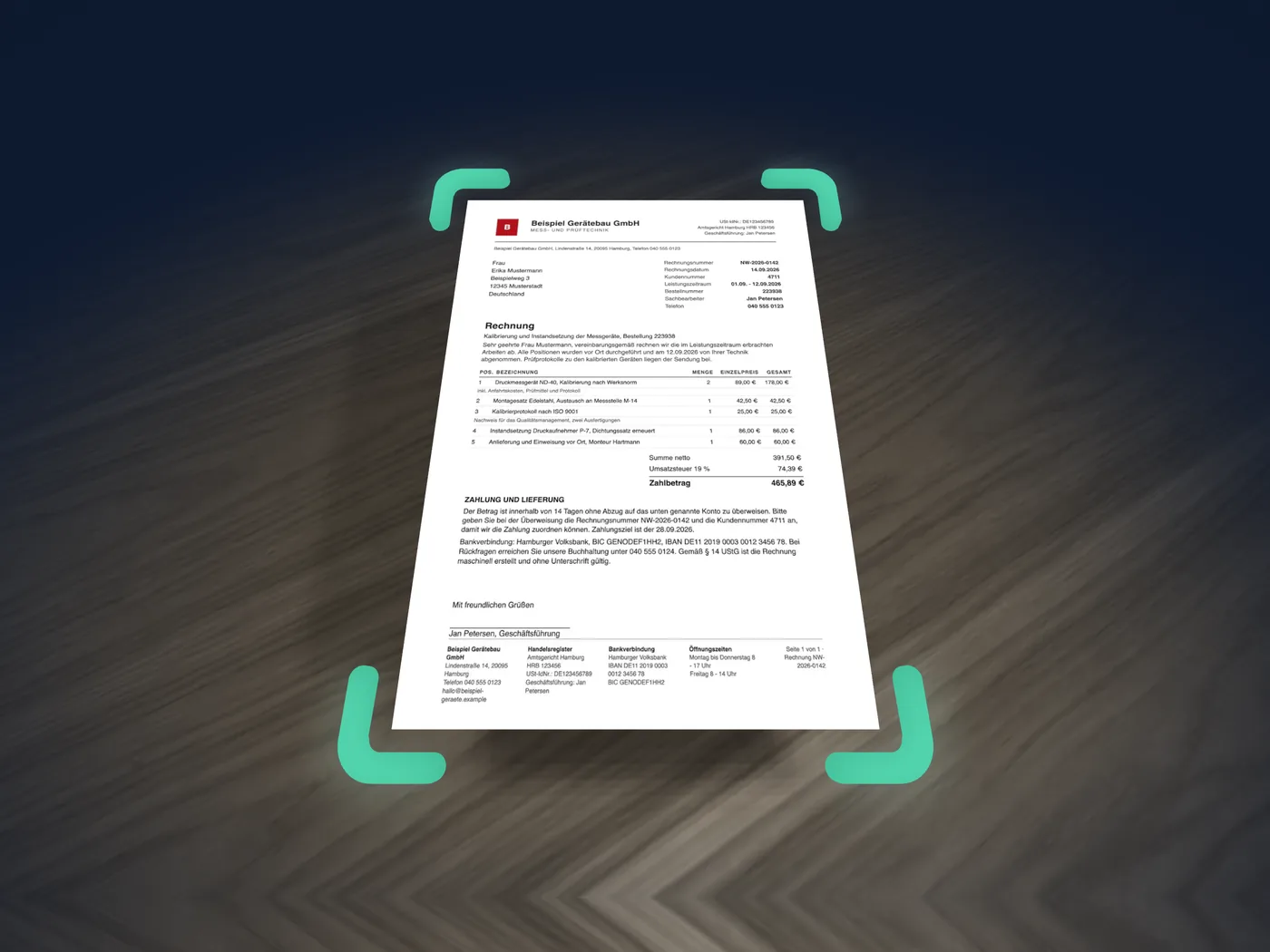
- Are the four corners actually the four corners? Crop the output and look at the edges, not at the text.
- Is the text level in the output? If yes, the tool at least deskewed; if the rules still fan, it did not correct the projection.
- What is the sampling density where the text sits? Below about 8 pixels per millimetre the glyphs start to blur into each other before OCR sees them.
- Is this the first generation of the image? A screenshot of a photo, or a re-save, has been resampled twice.
- Does the failure move? If the same page fails at different spots on different photos, the geometry is the variable, not the model.
Reproducing the measurement
Every number above comes from a short Python script in the repository, not from a benchmark suite: a pinhole camera, a flat sheet, a homography solved from four points, and the residuals measured against the known ground truth. The figures are rendered from the same model. If you want to check the arithmetic or run a different camera, the script is scripts/deskew_measure.py and it prints the table as JSON.
Running the correction
POST /scan/crop takes a JPEG or PNG photo, finds the document, corrects the projection and returns a clean scan as JPEG, PNG or PDF. Text recognition can run in the same call and returns a searchable PDF with a text layer in the language you pass as ocr_lang.
A free account carries 50 credits and no card, which is enough to run a few hundred of your own photos through the step and compare the output against what your OCR does today. The measured difference is usually larger than the difference between two OCR engines.
Ready to get started with ScanKit?
Start building powerful document scanning features into your applications today.